Reviews
Description
Game Introduction
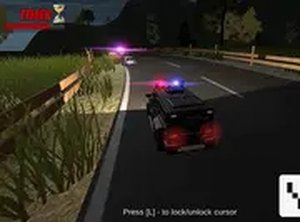
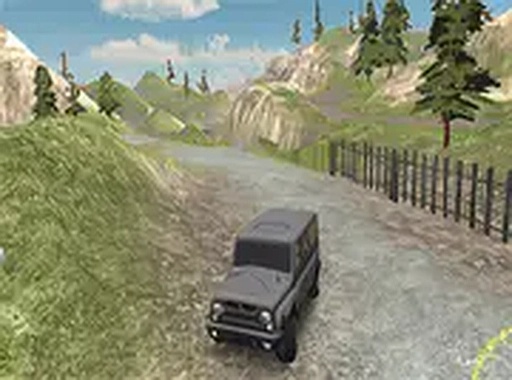
Offroad Terrain Navigation is a 3D driving game where players take the wheel of a rugged 4x4 vehicle to explore and traverse natural landscapes. The game is set in environments inspired by wilderness areas, featuring muddy trails, rocky paths, and other obstacles that require careful driving. The core objective is to navigate these terrains in two main modes: free ride for casual exploration and series mode with four distinct challenge sets. Each challenge set has unique objectives and difficulty levels, providing a range of experiences from beginner-friendly tasks to more demanding trials. As players progress, they can unlock new visual styles for their vehicle and use an in-game screenshot feature to capture and share memorable moments. The game also includes a global leaderboard, encouraging players to improve their performance and compare results with others. It is free to play directly in a web browser and supports full-screen mode for an immersive experience.
How to Play
Players start by selecting a mode: free ride or series. In free ride, the goal is simply to drive across the landscape, allowing players to become familiar with the vehicle's handling and the terrain. In series mode, players choose from four challenge sets: beginner, destroyer, checkpoints, and trial. Each set has specific goals, such as reaching certain locations or completing a course within a time limit. The vehicle is controlled using standard keyboard or mouse inputs for acceleration, steering, and navigation. By completing objectives in series mode, players earn points that contribute to unlocking new vehicle appearances. The screenshot feature allows players to capture images of their gameplay, which can be shared with friends or used to document progress. The leaderboard tracks performance, and players can aim to achieve all available accomplishments to become a top driver.
Game Features
Offroad Terrain Navigation includes fully 3D environments that simulate offroad conditions. The game offers two primary modes: free ride for open exploration and series mode with multiple challenge sets that vary in objectives and difficulty. Players can unlock new vehicle skins as they progress, providing visual variety. A built-in screenshot feature lets players capture and share their gameplay moments. The global leaderboard allows players to compare their performance with others. The game is free to play in a web browser and supports full-screen mode for a more engaging experience.
Tips for Success
To improve driving skills, spend time in free ride mode to learn how the vehicle responds to different terrains. In series mode, focus on completing each challenge's objectives efficiently to earn more points. Use the screenshot feature to document successful runs and share strategies with other players. Regularly check the leaderboard to see how your performance compares and set personal goals for improvement. Unlocking new vehicle skins can provide a sense of progress and keep the gameplay fresh.