Reviews
Description
Game Introduction
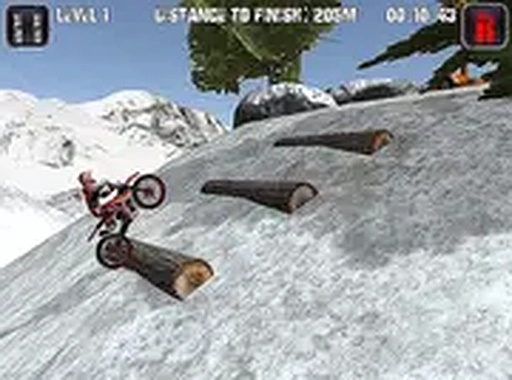
Winter Trail Bike Challenge is an arcade-style driving and racing game set in a winter environment. Players control a dirt bike across icy trails and steep hills, navigating through challenging snowy landscapes. The core objective is to complete each track by maintaining balance and control, avoiding obstacles like snowdrifts and slippery patches. This game stands out for its realistic physics engine, which makes every lean and jump feel authentic. The winter setting adds a fresh layer of difficulty, as players must adjust to changing traction on different surfaces. Designed for desktop play, it runs directly in a browser without downloads, offering a free and accessible experience for both newcomers and returning players.
How to Play
Players typically use keyboard controls to accelerate, brake, and lean the bike. The primary goal is to keep the bike upright on uneven, icy terrain while navigating around obstacles. Throttle control is crucial—accelerating too much can cause spins, while braking helps manage steep descents. Leaning forward or backward adjusts the bike's balance, especially over jumps or slippery sections. Each track presents new challenges, so taking a slow and steady approach often works best. There is no time limit, allowing players to focus on precision. Full screen mode can enhance visibility for better performance.
Game Features
The game features snowy offroad tracks with realistic bike physics that respond to player input. It includes challenging levels that increase in difficulty, testing precision and patience. Being a browser-based game, it requires no downloads or installs, making it easy to start playing immediately. A full screen mode is available for an immersive experience. Controls are smooth and designed for keyboard input, providing responsive handling. The winter setting introduces unique elements like snowdrifts and icy patches that affect traction and balance, adding depth to the gameplay.
Tips for Success
Practice regularly to master the physics and learn how the bike responds to different terrains. Start with slower speeds to build confidence on icy sections, then gradually increase pace as you improve. Focus on maintaining balance by making small, controlled adjustments with the lean controls. Study each track's layout to anticipate obstacles and plan your path. Patience is key—rushing often leads to crashes. Use the full screen mode for better visibility of upcoming hazards. Finally, take breaks if frustrated, as a calm mindset improves reaction times and control.