Reviews
Description
Game Introduction
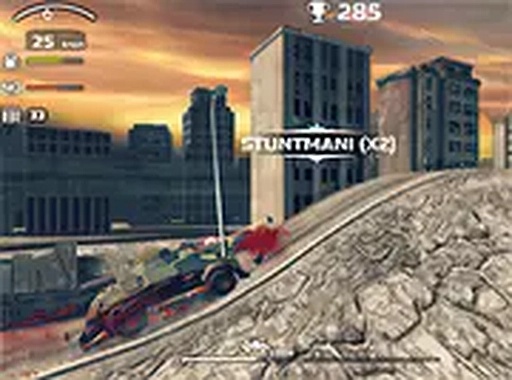
Zombie Derby is an arcade driving and shooting game set in a zombie apocalypse. You control a car equipped with big guns and must destroy zombies while avoiding crashes. The game features cool 3D graphics and a full-screen mode for an immersive experience. As you progress, you can collect coins and power-ups to upgrade your car's speed, armor, and weapons. This free online game is designed for desktop play and offers non-stop action for players who enjoy driving and shooting challenges.
How to Play
To play Zombie Derby, use your keyboard to drive and your mouse to aim and shoot. The goal is to survive as long as possible by destroying zombies and avoiding obstacles. Collect power-ups and coins to upgrade your car's speed, armor, and weapons. The game runs directly in your browser, with an option to play in full-screen mode for a more immersive experience. Start your engine, hit the gas, and blast through the zombie apocalypse.
Game Features
Cool 3D graphics. Upgradable cars with different weapons. Big guns for destroying zombies. Full-screen mode for a more immersive experience. Power-ups and coins to collect.
Tips for Success
Zombie Derby offers a fun mix of driving and shooting that keeps you engaged. The upgrade system gives you goals to work toward, and the 3D graphics make the action feel real. It is a great way to spend a few minutes or an hour.
Compatibility
This H5 game runs smoothly on: • Desktop computers (Windows / Mac) • Mobile phones (iPhone / Android) • Tablets (iPad / Android) 🌐 Best experienced with Chrome, Safari, or Edge