Reviews
Description
Game Introduction
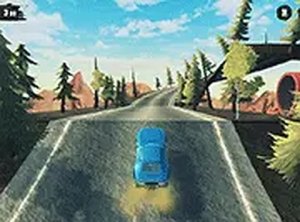
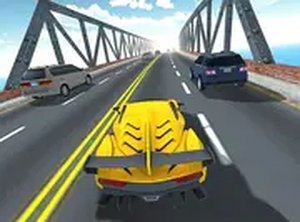
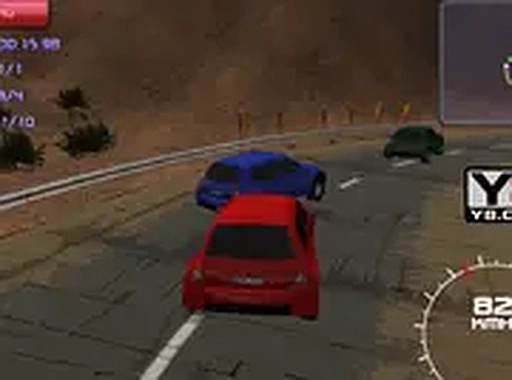
Velocity Red 3D Racing Challenge is an online racing game that places you behind the wheel of a fast vehicle. The main goal is straightforward: compete in races to earn rewards, then use those rewards to purchase upgrades and eventually acquire the fastest red car on the track. Designed for desktop play, this game delivers a 3D racing experience directly within your browser. The controls are intuitive, and the graphics aim to create an immersive feel, making each race engaging. Whether you have a few minutes to spare or consider yourself a driving enthusiast, Velocity Red 3D offers a blend of challenge and fun. A key advantage is that it is completely free to play, with no downloads or installations required. You can jump straight into the action and begin your journey toward becoming a top racer.
How to Play
To play Velocity Red 3D, you use your keyboard to control your car. Typically, players use the arrow keys to steer, accelerate, and brake. The goal in each race is to navigate the track, avoid obstacles, and overtake opponents to cross the finish line first. Winning races earns you rewards, which you can then spend on car upgrades or the coveted red car. The game is optimized for desktop computers, so a keyboard and mouse provide the best experience. You may also switch to full-screen mode for a more immersive view. Starting with a basic car, you progress by winning races and gradually unlocking better vehicles. Regular practice helps improve your performance over time.
Game Features
Key features of Velocity Red 3D include free-to-play access, realistic 3D graphics, a full-screen mode for an immersive experience, simple keyboard controls, and a rewarding upgrade system. The upgrade system allows you to improve your car's speed, handling, and acceleration as you earn rewards from races. Each feature is designed to keep the gameplay engaging and accessible for players of all ages. The progression system gives each race a clear purpose, and the 3D visuals help bring the tracks to life.
Tips for Success
To succeed in Velocity Red 3D, focus on learning the layout of each track. Practice smooth steering and braking to maintain speed through turns. Prioritize earning rewards consistently, as they are key to upgrading your car. Upgrading speed and handling early can give you an advantage in later races. Finally, stay patient and persistent—improvement comes with regular play.