Reviews
Description
Game Introduction
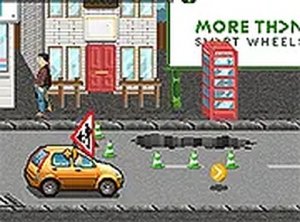
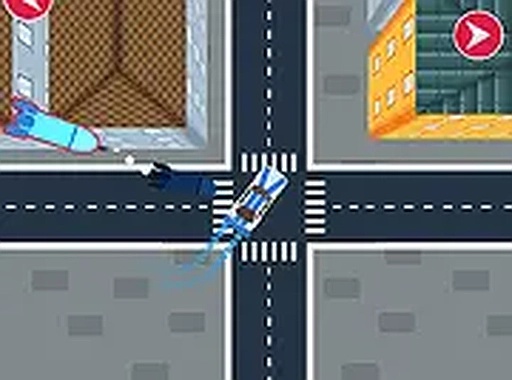
City Drive: Arcade Escape is a driving game set in a city where players must navigate streets while avoiding objects falling from above. The core objective is to survive by driving carefully and using strategic moves to stay safe. Blue markers on the road guide players toward temporary safe zones that offer protection. Players can also cause incoming objects to collide with each other to remove them, adding a layer of planning to the fast-paced action. This game is designed for players of all ages who enjoy quick thinking and responsive driving. The city setting creates an engaging backdrop for the challenge, and the increasing difficulty keeps the experience fresh. City Drive: Arcade Escape offers a fun test of reflexes and decision-making without any violent or mature content, making it suitable for family play.
How to Play
Players use keyboard arrows or touch controls to steer their vehicle through the city streets. On screen, blue arrows point toward safe zones that provide temporary protection. Driving over these zones collects them and offers a moment of safety. Another tactic involves maneuvering so that falling objects collide with each other, removing them from the path. This requires careful timing and positioning. The game works smoothly on both desktop and mobile browsers. On mobile devices, players can tap and swipe to control the car. For a larger view, full screen mode is available. The controls are simple to learn, but the challenge grows as the game progresses, keeping players engaged.
Game Features
City Drive: Arcade Escape is free to play online with no download required. It is mobile-friendly, with touch controls for easy play on phones and tablets. Full screen mode provides an immersive view. The safe zone collection mechanic adds a strategic element to the driving experience. The ability to cause falling objects to collide introduces an advanced tactic for experienced players. The game features increasing difficulty, which keeps the challenge engaging over time. These features combine to create a game that is easy to pick up but offers depth for those who want to improve their skills.
Tips for Success
Stay alert and keep moving to avoid falling objects. Prioritize collecting safe zones when they appear, as they provide temporary protection. Practice timing object collisions to clear threats efficiently. Use full screen mode to improve visibility. As the difficulty increases, focus on quick reflexes and smart positioning to survive longer. Regular practice helps players anticipate patterns and react faster.